
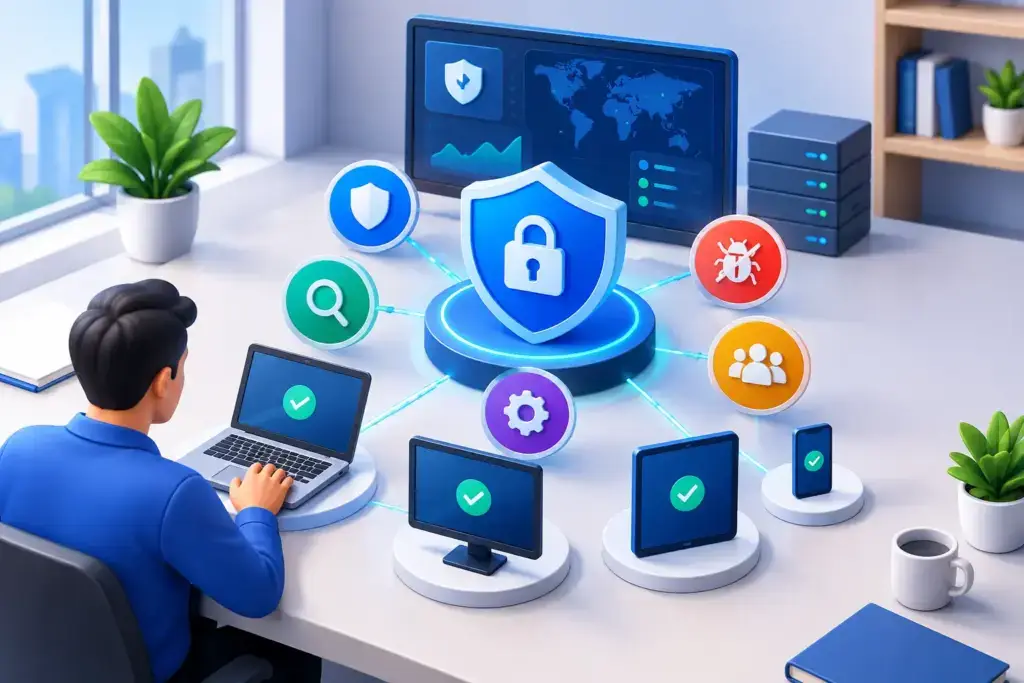
Most small and mid-sized businesses do not need another security dashboard that creates more alerts and less clarity. They need endpoint protection that can identify real threats, contain damage quickly, and connect to a response plan their team can actually execute. That is the standard an EDR platform review should use.
EDR, or endpoint detection and response, monitors laptops, desktops, servers, and other endpoints for suspicious behavior. Unlike traditional antivirus tools that primarily block known malicious files, EDR gives organizations visibility into what happened before, during, and after a potential attack. The value is not simply having more data. It is being able to investigate an incident, isolate an affected device, and make a defensible decision before a single compromised endpoint becomes a business interruption.
For organizations with 10 to 450 employees, the right choice depends on more than a product scorecard. Your internal IT capacity, industry requirements, remote workforce, cyber insurance obligations, and ability to respond after hours all matter.
What an EDR Platform Review Should Measure
A meaningful review begins with the business problem, not the vendor name. If ransomware is your primary concern, fast isolation and behavioral detection deserve more weight than a long list of administrative features. If your company handles regulated data, investigation records, reporting, retention, and access controls may be equally important.
The first question is detection quality. A capable EDR platform should identify suspicious behaviors such as credential theft, unusual PowerShell activity, lateral movement, persistence attempts, or encryption patterns associated with ransomware. Signature-based detection still has a role, but attackers regularly change file names, hashes, and delivery methods. Behavioral analytics provide another layer of protection when the threat does not match a known pattern.
Detection alone does not protect the business. Evaluate the response actions available to your team or security provider. Can the platform isolate a compromised workstation from the network without shutting down the entire office? Can it terminate a malicious process, quarantine files, remove persistence mechanisms, or collect forensic evidence? More importantly, are those actions clear enough that someone can use them during a stressful incident?
Visibility is the next consideration. An EDR console should help an administrator understand the scope of an event: which users were affected, what processes ran, whether credentials may have been exposed, and whether other devices show related activity. A platform can generate thousands of alerts and still provide little operational value if investigations require too much manual work.
EDR Is Not the Same as a Managed Response Service
This distinction is where many purchasing decisions go wrong. EDR is technology. It collects telemetry, detects activity, and provides response tools. Managed detection and response, or MDR, adds people and an operating process around that technology.
A business with a dedicated, experienced security operations team may be able to monitor EDR alerts internally. Most growing organizations do not have analysts available around the clock, nor should an office manager or general IT administrator be expected to interpret advanced attack activity at 2:00 a.m.
When comparing options, ask who watches the alerts, when they watch them, and what authority they have to act. Some services notify your team and wait for approval. Others can contain an active threat under agreed-upon rules. Neither model is automatically better. A company with sensitive production systems may require approval before isolation, while a professional services firm may prioritize immediate containment of any suspicious endpoint.
The key is to avoid assuming that a software license includes a security team. It often does not.
Evaluate Fit Across Your Actual Environment
An EDR platform that performs well in a large enterprise can still be the wrong fit for a 75-person company. Complexity, management overhead, device coverage, and support model all influence whether the protection will work as intended.
Start with endpoint coverage. Confirm support for the operating systems you use today, including Windows, macOS, Linux servers, and remote devices. If employees use personal devices for business access, define whether those devices are included in the security strategy or restricted through separate controls. Unmanaged endpoints are a common blind spot in hybrid environments.
Then look at deployment and daily administration. A security tool should not require a major project every time you add a new employee, replace a laptop, or deploy a server. Consider how it integrates with your identity provider, device management system, firewall, email security, and ticketing process. Integration matters because incidents rarely stay within one tool. A suspicious login, malicious email, and endpoint alert often tell one story across several systems.
Performance also deserves a practical test. Endpoint agents consume system resources, and poorly tuned policies can interrupt legitimate work. Run a pilot with employees in different roles, such as accounting, operations, sales, and remote staff. Observe whether the platform creates false positives, slows critical applications, or requires exceptions that weaken security controls.
Questions to Ask During an EDR Platform Review
A vendor demonstration should answer operational questions, not just showcase a polished dashboard. Ask for examples of how the platform handles a suspected ransomware event, a stolen credential, and a malicious email attachment that reaches a user device.
You should also ask how alerts are prioritized, how false positives are handled, and what information is included in an incident report. Business leaders need a clear explanation of impact and next steps, while technical staff need enough evidence to validate the response. Both audiences matter.
Cost should be evaluated as a complete operating model. A lower per-device price may look attractive until you account for monitoring, implementation, tuning, response support, reporting, and the internal time required to manage alerts. Conversely, a premium platform may be excessive if its advanced capabilities will remain unused.
Consider these four areas when comparing total value:
- Licensing and endpoint minimums, including servers and remote devices.
- Deployment, policy tuning, and integration work required at launch.
- Monitoring coverage, escalation procedures, and incident response support.
- Reporting needed for leadership, insurance, audits, and compliance reviews.
A clear monthly cost with defined responsibilities is usually more useful than a low initial quote with unclear service boundaries.
Red Flags That Deserve a Second Look
Be cautious when a provider promises complete protection without discussing response procedures. No endpoint product eliminates cyber risk. Attackers can use stolen credentials, social engineering, cloud applications, and unmanaged devices to bypass controls. EDR is a critical layer, but it works best alongside identity security, email protection, backups, security awareness training, patch management, and network controls.
Another red flag is an alert-only approach with no ownership model. If an incident occurs, who validates the alert? Who contacts your leadership team? Who isolates the device? Who checks for related activity? Who documents the event for cyber insurance or compliance purposes? If those answers are vague, the organization is buying technology without a workable response plan.
Finally, watch for poor reporting. Leaders should not receive a monthly export filled with unexplained threat names and device IDs. They need straightforward visibility into endpoint coverage, material incidents, response actions, risk trends, and any decisions that require their attention.
Build EDR Into a Broader Security Plan
The strongest EDR program is connected to business priorities. A manufacturing company may focus on protecting production systems and avoiding downtime. A healthcare or legal organization may place heavier emphasis on protecting sensitive data and demonstrating compliance. A growing multi-location company may need consistent protection for remote employees and new sites.
That is why the final decision should include more than the IT team. Leadership, operations, compliance stakeholders, and the people responsible for business continuity should understand the response model. Establish escalation contacts, approve containment rules, and test the process before an emergency forces hurried decisions.
For businesses that do not maintain an internal security operations center, a managed security partner can provide the monitoring, tuning, and incident coordination that turns EDR from a license into a working security function. Quantum Shield IT approaches endpoint security as part of that larger operational picture, with defined ownership and a roadmap that accounts for growth.
The best platform is not necessarily the one with the most features. It is the one your organization can deploy consistently, monitor with confidence, and use decisively when an endpoint starts behaving like an attacker is already inside.
