
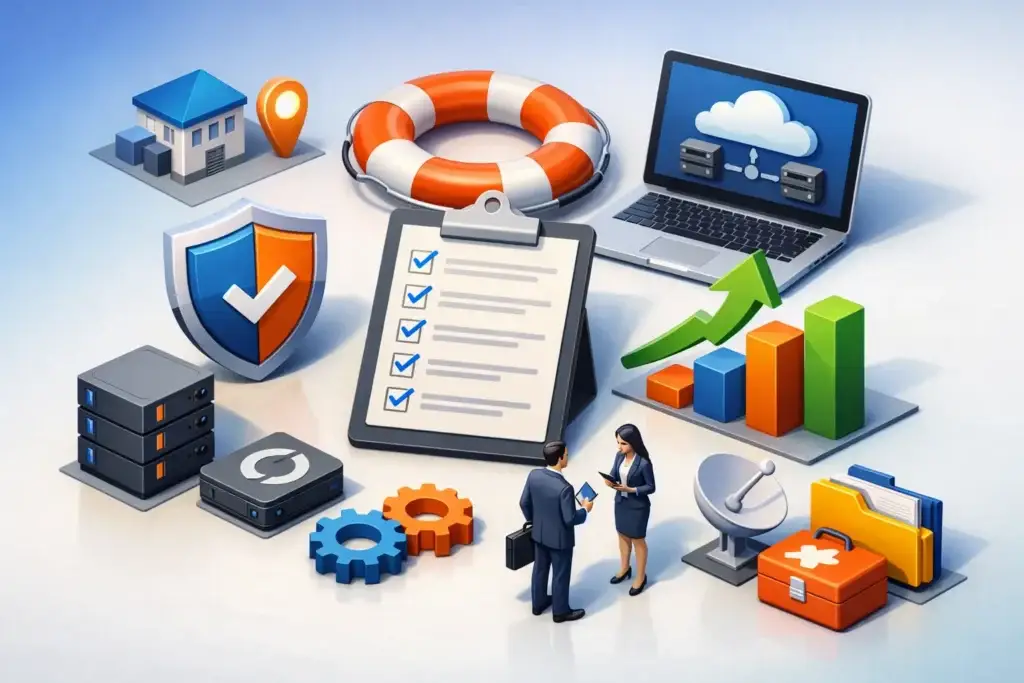
A server goes down at 8:12 a.m. By 8:30, your team cannot access files, your phones are unreliable, and customers are already asking why no one is responding. That is when business continuity planning examples stop feeling theoretical and start looking like the difference between a bad morning and a damaged quarter.
For small and mid-sized businesses, continuity planning is not about building a giant binder that sits on a shelf. It is about deciding, in advance, how the business will keep running when systems fail, vendors go offline, ransomware hits, or a key office becomes unavailable. The strongest plans are practical, tested, and tied to the way your company actually operates.
What good business continuity planning examples have in common
Most companies think first about disaster recovery, which usually means restoring servers, backups, or cloud systems after a failure. That matters, but continuity is broader. It focuses on keeping critical work moving during the disruption, not just rebuilding after it.
A useful continuity plan usually answers a few basic questions. Which systems and processes are essential in the first few hours? How long can each function be down before it creates serious financial, legal, or operational damage? Who makes decisions, who communicates with staff and customers, and what manual workarounds exist if key tools are unavailable?
That is why the best examples are not generic templates. They reflect real priorities, staffing realities, compliance obligations, and customer expectations. A medical office, a construction firm, and a professional services company may all use Microsoft 365 and cloud apps, but their continuity plans should not look identical.
7 business continuity planning examples for SMBs
1. Ransomware response with clean backup recovery
A common continuity scenario starts with a phishing email that encrypts shared files and spreads across endpoints. The continuity plan here is not just, “Restore from backup.” It should define how you isolate affected devices, who approves shutdown decisions, how employees continue working on unaffected systems, and how you verify backups are clean before recovery starts.
A good version of this plan also accounts for timing. If restoring a file server takes six hours, what happens during those six hours? Maybe finance shifts to local templates, customer service uses a cloud CRM that remains online, and operations moves to preapproved manual intake steps. The point is not perfect productivity. The point is controlled disruption instead of total stoppage.
2. Internet outage at a primary office
Many businesses assume internet downtime is a minor inconvenience until they realize phones, cloud applications, payment systems, and building access may all depend on that connection. A continuity plan for this scenario should cover failover internet, cellular backup, alternate calling routes, and the minimum tools employees need to stay productive.
For some companies, the answer is technical redundancy. For others, it is a location strategy. If your main office in Southern California loses connectivity for half a day, can critical staff work securely from home or from a secondary site? That depends on whether remote access, device management, and identity controls were set up before the outage.
3. Microsoft 365 or cloud platform disruption
Cloud services reduce a lot of infrastructure risk, but they do not eliminate downtime. If email, Teams, SharePoint, or another core platform is temporarily unavailable, your continuity plan should define alternate communication channels, offline access expectations, and customer-facing messaging.
This is one of the more overlooked business continuity planning examples because cloud adoption creates a false sense of permanence. If your company runs on one cloud ecosystem, the continuity question becomes, “What is our fallback if that ecosystem is degraded?” For some businesses, the answer may be temporary SMS-based staff coordination, local copies of key documents, and predefined client communication scripts. The right approach depends on how dependent your workflows are on real-time collaboration.
4. Key employee unavailable during a critical process
Not every continuity event is a cyber incident. Sometimes the disruption is human. A payroll manager is suddenly out. The operations lead who knows the vendor portal is unreachable. The office administrator who controls renewal notices leaves without documentation.
A continuity plan for this scenario focuses on cross-training, credential control, process documentation, and role coverage. If one person holds the keys to payroll, billing, customer onboarding, or compliance reporting, the business has a continuity gap even if all technology is working perfectly.
This is where leadership teams often discover that resilience is as much about process maturity as infrastructure. The more knowledge sits in people instead of documented systems, the more fragile operations become.
5. VoIP phone system failure during business hours
When phones go down, many companies are surprised by how quickly trust starts to erode. New prospects cannot reach sales. Existing clients assume no one is available. Internal teams lose a core coordination channel. A continuity plan should account for call forwarding, alternate numbers, mobile app failover, voicemail handling, and front-desk scripts.
The detail that matters is customer experience. If your team can still communicate internally but customers hear dead air, your continuity plan is incomplete. The goal is to preserve service continuity, not just technical continuity.
6. Physical office disruption from fire, flood, or access loss
Sometimes the building itself is the problem. Water damage, a power event, HVAC failure, theft, or a local emergency can make an office unusable with little warning. In that case, the continuity plan needs to answer three things fast: where people work, how they connect securely, and which on-site dependencies still exist.
This is where older environments usually struggle. If printing, file access, line-of-business apps, or phones are still tied tightly to one office, relocation gets messy. Businesses that have already modernized identity, cloud access, endpoint management, and communications have more options. There is a trade-off, though. More flexibility usually requires more planning upfront, more policy discipline, and better user training.
7. Vendor outage or third-party service failure
Many SMBs depend on outside platforms for payroll, logistics, payments, electronic records, inventory, or customer support. If one of those providers has an outage or a security incident, your continuity plan cannot depend on waiting patiently for updates.
A strong plan identifies critical vendors, defines owner responsibility on your side, and maps temporary alternatives. Maybe invoices are delayed and handled manually. Maybe customer support switches to a backup workflow. Maybe order processing pauses, but status communication continues on schedule. Not every vendor failure needs a full workaround, but every critical vendor should have a documented response path.
How to choose the right continuity example for your business
The most useful example is not the most dramatic one. It is the one most likely to interrupt your operation in the next 12 months.
For one company, that may be ransomware because staff handle a high volume of email attachments and remote logins. For another, it may be a connectivity issue because every workflow depends on cloud apps and VoIP. For a growing business with a lean admin team, the bigger risk may be undocumented processes and too much reliance on one employee.
This is why continuity planning should start with business impact, not technology shopping. First identify the functions that cannot tolerate downtime for long, such as phones, payroll, scheduling, customer communications, order entry, or access to shared documents. Then look at what those functions depend on. That dependency map usually exposes the real priorities quickly.
What business leaders often miss
The biggest gap is assuming backups equal continuity. Backups are one part of recovery. They do not answer who communicates with customers, how work continues while systems are restored, or how decisions get made under pressure.
Another common issue is overengineering the plan. If your continuity document is too technical or too long, it will not help much in a real event. Teams need clear actions, named owners, escalation paths, and realistic workarounds. A 10-page useful plan beats a 70-page plan no one can execute.
Testing is the other non-negotiable piece. A plan that has never been exercised is mostly a theory. Even a simple tabletop exercise can reveal missing passwords, outdated contact lists, unclear authority, or assumptions that break the minute people are under stress.
For many SMBs, this is where a strategic IT and security partner adds value. Instead of treating continuity as a compliance checkbox, the right team turns it into an operational plan tied to infrastructure, cybersecurity, communications, and leadership decision-making.
Turning examples into a workable plan
If these business continuity planning examples feel familiar, that is a good sign. It means your risks are concrete enough to address.
Start small. Pick the top three disruptions most likely to hurt revenue, customer trust, or internal operations. Define your critical systems, your acceptable downtime, your fallback process, and your communication chain. Then test one scenario and improve from there. Continuity planning does not need to start big. It needs to start honestly.
The companies that handle disruption best are rarely the ones with the fanciest stack. They are the ones that made clear decisions before the pressure hit.
