
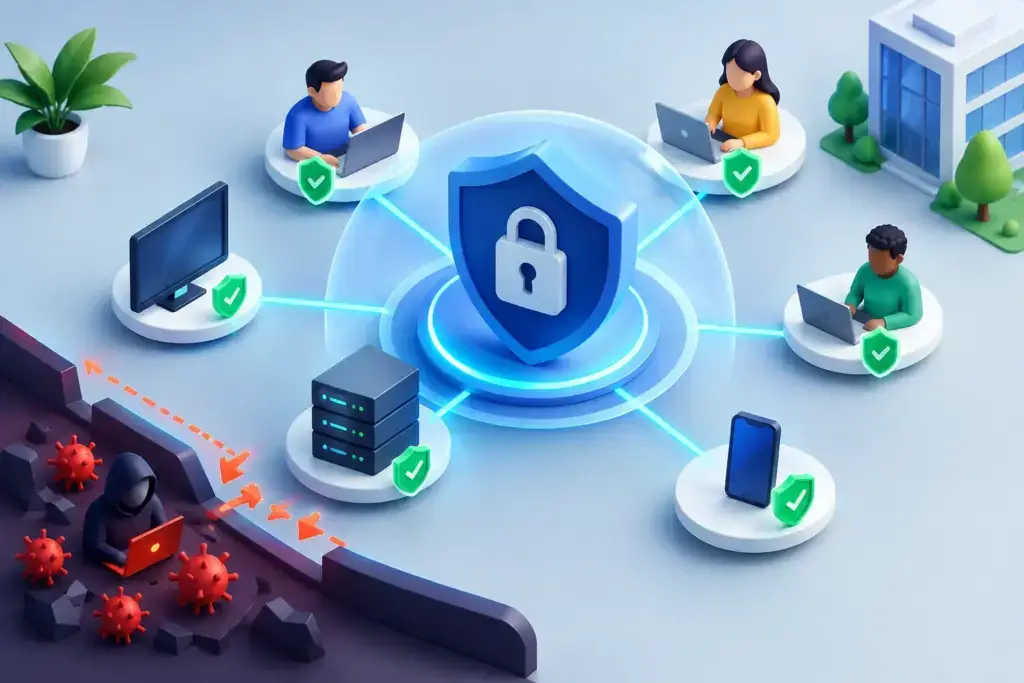
A finance manager approves an invoice from home, a salesperson signs in from an airport, and an employee opens a shared file from a personal phone. None of those actions should automatically be treated as safe just because the user has a company password. To implement zero trust security, your business needs to verify each request based on identity, device health, access level, and risk – not assumptions about where someone is working.
For small and mid-sized businesses, zero trust is not a single product purchase or an overnight network rebuild. It is a practical operating model for reducing the damage a compromised account, lost device, or phishing email can cause. Done well, it improves security without making everyday work unnecessarily difficult.
What Zero Trust Means for a Growing Business
Traditional network security was built around a simple idea: keep outsiders out, then trust people and devices once they are inside. That model made more sense when employees worked from one office, systems lived on local servers, and business applications rarely left the network.
Your environment likely looks different now. Microsoft 365, cloud applications, remote access, mobile devices, third-party platforms, and distributed teams have expanded the places where work happens. A criminal who captures one password may not need to break through a firewall if they can simply sign in as a legitimate user.
Zero trust replaces broad, permanent access with ongoing verification. The core principle is straightforward: never trust a user, device, application, or network connection automatically. Verify what is being requested, grant only the access needed, and watch for behavior that does not fit.
That does not mean employees must complete a security challenge every time they open a document. A well-designed zero trust program uses context. A known employee on a managed, encrypted laptop may receive normal access. The same employee attempting to download sensitive files from an unmanaged device in an unusual location may be required to complete stronger verification or be blocked.
Start With the Risks That Can Disrupt Operations
The fastest way to create frustration is to deploy strict controls before understanding how people work. Start by identifying the systems, data, and workflows that matter most to the business.
For many organizations, the priority list includes email, financial platforms, customer information, payroll, Microsoft 365 files, remote access, and line-of-business applications. Ask a direct question for each: if this account or system were compromised, what could an attacker do in the first hour?
That question helps separate real priorities from security theater. An account with access to banking, payroll, or hundreds of customer records deserves stronger controls than an account used only for a low-risk scheduling tool. It also reveals where permissions have accumulated over time because someone changed roles, inherited an old account, or needed temporary access that was never removed.
A useful assessment should cover identities, devices, applications, data, network connections, administrator privileges, and third-party access. It should also identify practical limitations. A manufacturing floor, healthcare workflow, or field-service team may use older equipment that cannot support every modern control. Those systems still need protection, but the approach may require network segmentation, monitored access, or compensating safeguards rather than a one-size-fits-all policy.
Build Identity Security Before Adding Complexity
Identity is usually the center of a zero trust strategy because stolen credentials remain one of the easiest ways into a business. If an attacker can successfully impersonate a user, they may be able to access email, cloud files, vendor portals, and internal systems from anywhere.
Begin by requiring multi-factor authentication for every user, especially administrators, finance personnel, executives, and remote workers. Prefer phishing-resistant methods where practical, such as security keys or authenticator-based number matching. Text messages are better than a password alone, but they are more vulnerable to social engineering and SIM-swapping than stronger options.
Next, remove shared accounts wherever possible. Shared logins make accountability nearly impossible and allow access to continue after an employee leaves. Each person should have an individual account, and service accounts should be documented, restricted, monitored, and reviewed.
Apply least privilege with real job roles
Least privilege means a user receives the minimum access needed to perform their role. It does not mean making employees submit a ticket for every routine task. The goal is to eliminate unnecessary standing access, particularly for administrative functions and sensitive data.
Review who can create users, reset passwords, change payment information, access payroll, export customer data, or alter security settings. Those permissions should be intentionally assigned and reviewed on a schedule. For higher-risk work, consider just-in-time administrative access, where elevated privileges are granted only when needed and expire afterward.
This is also where leadership needs to set the standard. Executive accounts are attractive targets because they often have broad access and can authorize financial activity. Leaders should not be exempt from multi-factor authentication, device requirements, or access reviews.
Require Healthy Devices for Sensitive Access
A verified user is only part of the picture. If their computer is infected, unpatched, or missing encryption, a valid login can still put company data at risk.
Managed devices should meet a baseline before accessing sensitive resources. That baseline typically includes supported operating systems, automatic patching, disk encryption, endpoint protection, screen-lock policies, and the ability to remotely remove business data if a device is lost or an employee departs.
Conditional access policies can use this information to make smarter decisions. A managed laptop may access financial reports normally, while an unmanaged device is limited to browser-only access, blocked from downloading files, or denied access altogether. The right choice depends on your team’s workflow and tolerance for risk.
Bring-your-own-device policies deserve special attention. Some businesses can reasonably require personal phones and computers to be enrolled in management tools. Others need a less intrusive model that keeps corporate data inside approved applications without taking control of the entire personal device. Be clear about the policy before deploying it. Security works better when employees understand what is protected, what is monitored, and what remains private.
Segment Access So One Incident Stays Small
Zero trust also reduces lateral movement. If one endpoint or account is compromised, the attacker should not be able to roam freely across every server, share, camera system, or business application.
Network segmentation separates important parts of the environment. Guest Wi-Fi should not sit beside internal systems. Internet-connected devices such as cameras, access control hardware, and printers should not have broad access to workstations or financial systems. Servers and backup infrastructure should be isolated from routine user activity where possible.
Cloud environments need the same discipline. Not every employee needs access to every SharePoint site, Teams workspace, or file repository. Sensitive data should have defined owners, controlled sharing settings, and retention rules that match business and compliance needs.
Segmentation can be phased. A company with a simple cloud-first environment may focus first on identity and application access. A business with multiple locations, local servers, operational technology, or legacy equipment may need a more detailed network design. The goal is not to create dozens of confusing zones. It is to create meaningful boundaries around the systems that would hurt most if compromised.
Monitor, Test, and Improve the Controls
Security policies that are never reviewed become assumptions, and assumptions are where incidents grow. Zero trust requires ongoing visibility into sign-in activity, device status, administrator changes, unusual file sharing, and alerts from endpoint and email security tools.
The practical question is not whether your business receives alerts. Most tools produce more notifications than a small internal team can reasonably investigate. The question is whether someone is accountable for reviewing meaningful alerts, responding quickly, and improving controls after an event or near miss.
Regular access reviews are especially valuable. Disable accounts promptly when employment ends, remove permissions when roles change, and confirm that vendors still need the access they were given. Test backup recovery, incident response contacts, and escalation procedures as well. A zero trust program is stronger when it is tied to a clear response plan rather than technology alone.
Employees should also know how to report suspicious activity without embarrassment. A quick report about an unexpected multi-factor prompt, unusual email, or lost device can stop a small issue from becoming a major interruption.
How to Implement Zero Trust Security in Phases
For most businesses, the sensible path is a measured rollout. Start with foundational controls that deliver broad protection: multi-factor authentication, secure identity management, managed endpoints, reliable backups, and email security. Then address access permissions, conditional access policies, segmentation, sensitive-data controls, and continuous monitoring.
Pilot major policy changes with a small group before applying them company-wide. That gives your team time to identify exceptions, document the right workflow, and adjust communication. If a policy blocks a legitimate business process, do not simply disable it. Find out whether the access design, device posture, or process itself needs improvement.
Clear ownership matters as much as technology. Someone must be responsible for the roadmap, policy decisions, technical implementation, employee communication, and reporting to leadership. Businesses without a full internal security team often benefit from an MSP and MSSP partner that can combine daily support, monitoring, and strategic guidance instead of handing each function to a different vendor.
The best next step is not buying the most expensive security platform. It is getting a clear picture of who has access to what, which devices can reach your data, and where one compromised account could create outsized damage. From there, every improvement can be prioritized around protecting the work your business depends on while keeping your people productive.
