
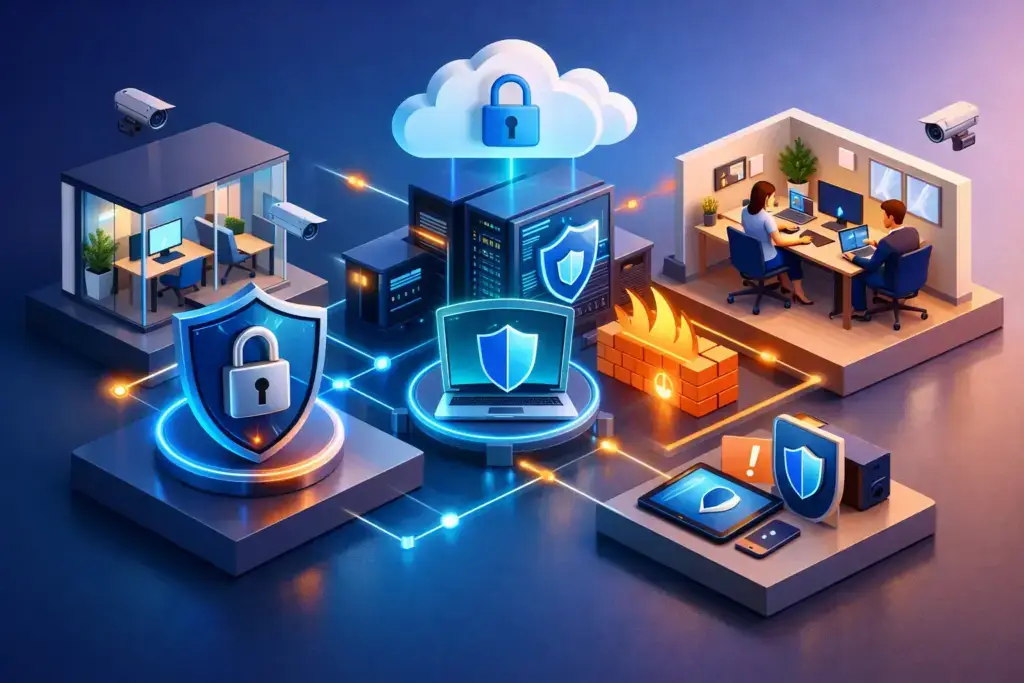
A remote office can look productive right up until one compromised password, unmanaged laptop, or misdirected file exposes the business. The challenge is not simply how to secure remote offices. It is how to give distributed employees the access they need without creating blind spots your leadership team cannot see, measure, or defend.
For small and mid-sized businesses, remote-office security is not a single product or a one-time project. It is an operating model that connects people, devices, cloud applications, networks, and response procedures. When those pieces are managed separately, gaps appear. When they are managed as one environment, security becomes easier to run and easier to explain to clients, insurers, and auditors.
Start with visibility, not assumptions
Before adding another security tool, establish a clear picture of what the remote environment includes. Many businesses can name their office servers and core applications but cannot confidently answer which personal devices access company email, who has administrative privileges, or whether former employees still have active accounts.
That uncertainty creates risk because attackers rarely need to break through every layer. They look for the overlooked account, unsupported laptop, shared credential, or cloud folder with broad permissions.
A useful assessment should identify your users, their access levels, every company-managed endpoint, business-critical applications, data locations, and the internet connections used at remote sites. It should also document which controls already exist and whether anyone is actively watching them. A firewall installed years ago is not the same as a firewall that is monitored, updated, and configured around current business needs.
This visibility work also exposes practical decisions. A sales employee who travels may need a different access model than a home-based accountant handling financial records. Security should reflect the role, the data involved, and the consequences of compromise.
How to secure remote offices by securing identity first
Identity has become the front door to most businesses. Email, Microsoft 365, cloud storage, accounting systems, customer platforms, and remote support tools all rely on usernames and passwords. If an attacker takes over one well-connected account, they may not need to attack the office network at all.
Every remote office should require multifactor authentication for email, cloud applications, administrative accounts, remote access, and financial systems. Text-message codes are better than passwords alone, but authenticator apps, hardware keys, or number matching generally offer stronger protection against phishing.
Multifactor authentication is only the starting point. Access should follow the principle of least privilege: employees receive the permissions needed for their role, not permanent access to every shared resource. Administrative privileges deserve even tighter control. Separate admin accounts, approval workflows, and periodic access reviews reduce the damage a compromised credential can cause.
Conditional access policies add another useful layer. They can block sign-ins from high-risk locations, require a compliant device before granting access, or challenge unusual login activity. These policies should be tuned carefully. Overly aggressive rules can lock out legitimate employees, while loose rules provide a false sense of security. The right balance depends on your workforce, applications, and tolerance for interruption.
Standardize and manage every endpoint
A remote employee’s laptop is now part of the business perimeter. Whether it is used at a kitchen table, client site, or satellite office, it needs the same baseline protection as a computer inside headquarters.
Company-owned, centrally managed devices are usually the safest option. They allow IT to enforce encryption, screen locks, operating system updates, endpoint protection, approved software, and remote wipe capabilities. Bring-your-own-device programs can work, but they require clearer boundaries. The business may need to protect company data without gaining access to an employee’s personal photos, messages, or applications.
At a minimum, a managed endpoint program should address four areas:
- Full-disk encryption so lost or stolen devices do not expose stored data.
- Automated patching for operating systems, browsers, and common business software.
- Endpoint detection and response that can identify suspicious behavior and support containment.
- Mobile device management to enforce configuration standards and remove company access when needed.
Inventory matters here. If a device is not in your inventory, it is difficult to patch, protect, or investigate after an incident. A clean offboarding process should disable the user account, recover or wipe devices, revoke active sessions, and transfer ownership of files or business applications.
Treat home and satellite networks as untrusted
Remote users often connect through consumer routers that have weak passwords, outdated firmware, or no meaningful segmentation. A nearby satellite office may have business-grade internet but still lack the layered controls of a primary location. Neither should be treated as inherently safe.
For systems that require access to internal resources, use encrypted remote access with strong identity controls. A traditional virtual private network can be appropriate for some environments, particularly when employees need access to specific internal applications. For cloud-first organizations, a zero-trust network access approach may offer more precise access by connecting users to approved applications rather than placing them broadly on the network.
The choice depends on the applications you use, where data lives, and how much internal infrastructure remains. What matters is that access is authenticated, encrypted, logged, and limited to the resources required.
Remote employees should also understand basic home-network expectations. Router firmware should be current, default administrative credentials must be changed, and business devices should not share a network with unsecured smart devices whenever possible. A separate guest or work network is a sensible step for employees who regularly handle sensitive information.
Protect data where people actually work
Data protection is not only about the server room anymore. Employees create, edit, download, and share files across email, collaboration tools, cloud drives, and mobile devices. If security controls focus only on the office network, they miss where business data is actually moving.
Set clear rules for approved storage and sharing platforms. Employees should know where client records, financial documents, contracts, and internal files belong. Shadow IT often appears when approved tools are difficult to use, so security needs to support productive workflows rather than simply prohibit alternatives.
Use permissions based on teams and roles instead of giving broad access to shared folders. Review external sharing regularly, especially for folders containing regulated, financial, or confidential information. Data loss prevention policies can also flag or block sensitive information from being sent to the wrong recipient or copied into unapproved services.
Backups deserve equal attention. Cloud services can protect against hardware failure, but that does not always mean they provide a complete recovery path after accidental deletion, ransomware, or a compromised account. Test whether critical files, configurations, and business applications can be restored within a timeframe your operations can tolerate.
Build monitoring, response, and recovery into the plan
Security tools generate alerts. A security program produces decisions. If nobody is reviewing alerts, investigating suspicious activity, and escalating real threats, detection may arrive too late to matter.
Remote environments benefit from centralized monitoring of identity events, endpoint activity, firewall logs, and cloud applications. The goal is not to overwhelm leadership with technical alerts. It is to identify the events that require action: impossible travel logins, repeated multifactor authentication prompts, malware behavior, new administrator accounts, or unusual data downloads.
Your incident response plan should answer practical questions before an incident happens. Who can authorize account shutdowns? Who contacts affected employees? What happens if a remote device is suspected of ransomware? Which systems must be restored first to keep the business operating?
Run a tabletop exercise at least annually. Walk through a realistic scenario, such as a payroll administrator entering credentials into a phishing page. The exercise often reveals unclear ownership, outdated contact lists, or recovery assumptions that need correction. That is valuable progress, not a failure.
Make remote-office security part of operations
The strongest controls lose value when they are treated as a side project. New hires, role changes, office moves, software purchases, and vendor onboarding all change your risk profile. Security needs a place in those operating decisions.
That is why many growing businesses benefit from a managed IT and security partner with visibility across endpoints, cloud services, network infrastructure, backup, and compliance requirements. Quantum Shield IT approaches this as a business issue, not a collection of tickets: clarify priorities, establish ownership, and build a roadmap that improves protection without stalling growth.
Employees also need concise, recurring training that reflects real threats. Phishing messages, fake invoice requests, multifactor authentication fatigue attacks, and fraudulent executive requests are most dangerous when staff feel pressured to act quickly. Teach employees how to pause, verify, and report without embarrassment.
A secure remote office should not feel like a locked-down workplace. It should give your team a clear, reliable way to work from anywhere while leadership retains control of the systems, data, and decisions that keep the business moving.
