
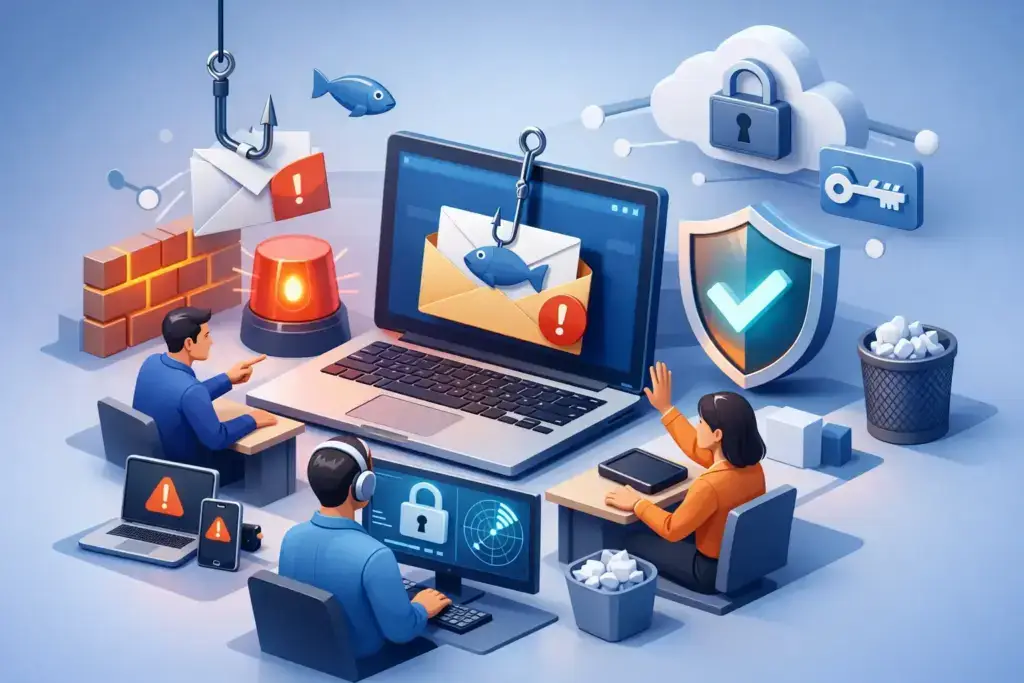
A fraudulent Microsoft 365 sign-in alert can look more convincing than a rushed employee expects. So can a fake invoice from a familiar vendor, a voicemail notification, or an email that appears to come from the CEO. Knowing how to improve phishing resilience is not about expecting people to spot every trick. It is about building layers of protection that prevent one convincing message from becoming a business interruption.
For small and mid-sized businesses, phishing is rarely just an email problem. A successful attack can expose customer data, redirect payroll, compromise cloud accounts, interrupt operations, and create an expensive insurance or compliance issue. The right approach combines people, technology, and a response process your team can actually follow under pressure.
Start with the business risk, not a generic awareness course
Many organizations respond to phishing risk by sending employees an annual training video and checking a compliance box. That may satisfy a minimum requirement, but it does not prepare someone to handle a realistic attack during a busy workday.
Begin by identifying what a compromised account could affect. For many businesses, the highest-risk systems include Microsoft 365 email, cloud file storage, payroll platforms, banking portals, customer relationship management systems, and vendor payment workflows. An employee who has access to one of these systems may be a more valuable target than a server.
This assessment should also consider how work gets done. Hybrid teams often approve payments by email or chat. Operations staff may receive invoices from dozens of vendors. Executives may travel and communicate quickly from mobile devices. Each workflow creates an opening attackers can imitate.
The goal is not to make every employee a security analyst. It is to identify the decisions that could cost the business money, access, or trust, then give employees a clear way to verify questionable requests.
How to improve phishing resilience with layered controls
Phishing resilience improves fastest when security does not depend on one tool or one person making a perfect decision. Email filtering, identity protection, employee training, and response planning should reinforce each other.
Secure identity before an email becomes an account takeover
Multi-factor authentication is one of the most effective defenses against stolen passwords, but not all multi-factor methods provide the same protection. Text-message codes are better than passwords alone, yet attackers can sometimes intercept or manipulate them through social engineering. Authentication apps, number matching, and phishing-resistant options such as security keys generally provide stronger assurance.
For organizations using Microsoft 365, conditional access policies can add meaningful protection by challenging risky sign-ins, restricting access from unexpected locations, and requiring stronger authentication for sensitive roles. Administrative accounts deserve additional safeguards because one compromised administrator can create broad damage quickly.
Password managers also reduce risk. They help employees use unique, long passwords and can make fraudulent websites easier to spot because the password manager will not automatically recognize an imitation domain.
Improve email protection and domain defenses
A properly configured email security platform should screen for malicious links, harmful attachments, impersonation attempts, and suspicious sender behavior. That does not mean every phishing email will be blocked. It means fewer threats reach employees, and the threats that do arrive are more visible and easier to investigate.
Your own domain also needs protection. Email authentication standards such as SPF, DKIM, and DMARC help receiving mail systems verify that messages claiming to come from your organization are legitimate. This reduces the chance that criminals will impersonate your company to target customers, vendors, or employees.
Configuration matters. A tool installed but left in a default state may provide a false sense of security. Review quarantine settings, impersonation rules, executive and vendor protections, and reporting options regularly. As the business adds employees, vendors, and cloud services, those settings should evolve as well.
Train for judgment, not trivia
Effective phishing training is short, recurring, and tied to real work scenarios. Employees should recognize common warning signs: unexpected login prompts, urgent financial requests, altered payment instructions, lookalike domains, QR codes that bypass email scanning, and attachments they were not expecting.
But warning signs alone are not enough. Modern phishing messages are often well written, use real names, and arrive at believable times. Teach employees to pause when a request involves credentials, payment, confidential information, or a change in process. Then give them a verification path outside the original message, such as calling a known number or starting a new conversation through an approved channel.
Simulated phishing campaigns can be useful when handled constructively. The purpose is to find patterns, improve habits, and focus coaching where it is needed. Publicly shaming people for clicking will drive incidents underground. A business needs employees to report quickly, even when they think they made a mistake.
Make reporting easier than ignoring the message
The best reporting process is simple enough to use in seconds. Employees should know exactly where to send suspicious messages, whether that is a report-phishing button, a designated security mailbox, or a managed service desk. They should also know that reporting a message is never an overreaction.
Speed changes outcomes. If a user reports a phishing email before anyone clicks, the IT or security team can search for similar messages, remove them from other inboxes, block the sender or domain, and warn affected users. If someone enters credentials, the team can reset passwords, revoke active sessions, review mailbox rules, and investigate access before the attacker escalates.
A clear internal message helps: if you clicked, entered information, approved something suspicious, or noticed unusual account behavior, report it immediately. Do not wait to see whether anything happens. Early reporting is a success, not a failure.
Protect high-risk workflows with verification rules
Some phishing attacks are designed to exploit a business process rather than compromise an inbox. Business email compromise often targets finance, payroll, accounts payable, human resources, and executive assistants because these roles handle requests with direct financial consequences.
Create verification rules for changes to bank details, direct deposit information, wire instructions, gift card requests, and sensitive data transfers. For example, a vendor banking change should require a call to a previously verified contact number, not the number in the request email. Payment approvals should use separation of duties where practical, so no single email instruction can move money without a second check.
These controls may add a few minutes to a transaction. That is a reasonable trade-off when compared with recovering a fraudulent wire transfer or explaining a breach to a customer. The process should be proportionate, however. A small business does not need bureaucracy around every routine purchase. It needs strict verification where the consequences are high.
Practice the response before a real incident
A phishing response plan should answer a few practical questions: Who receives the report? Who can disable an account? Who contacts the bank if funds are involved? Who communicates with leadership, employees, customers, or legal counsel if needed?
Run short tabletop exercises with leadership and the people responsible for finance, HR, operations, and IT. Use plausible scenarios, such as a payroll-direct-deposit scam or a compromised executive mailbox. The exercise will reveal gaps that a written policy may hide, including outdated contact lists, unclear authority, or uncertainty about who owns the next step.
Your plan should include evidence preservation. Deleting a suspicious email may remove useful information for investigators. A managed security team can review headers, login activity, mailbox rules, forwarding settings, endpoint activity, and related alerts to determine the scope of an incident.
Measure resilience, then keep improving it
Click rates from phishing simulations are one signal, not the whole story. A stronger measure of resilience looks at reporting rates, time to report, multi-factor authentication coverage, risky sign-in events, email authentication status, and the number of high-risk accounts protected by stronger policies.
Review these measures with business leadership on a regular cadence. If reports are rising while click rates fall, training and culture may be improving. If finance remains targeted by invoice fraud, adjust payment controls and simulations around that risk. If employees repeatedly receive messages that impersonate your domain, prioritize DMARC enforcement and vendor communication.
Phishing tactics will keep changing, especially as attackers use AI to produce more believable messages and impersonate voices or video. The answer is not fear or constant disruption. It is a disciplined security program that makes bad messages harder to deliver, compromised credentials harder to use, and suspicious requests easier to stop.
A resilient business gives employees permission to pause, gives technology clear instructions to block and detect, and gives leadership a tested plan for decisive action. That combination turns phishing from an unpredictable threat into a manageable business risk.
