
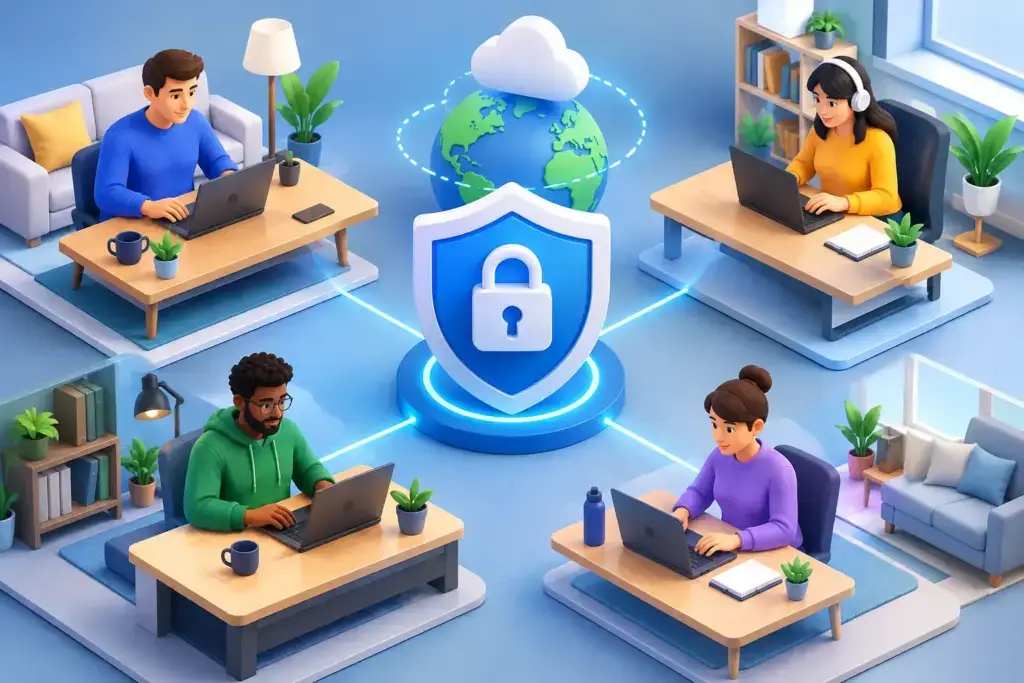
A remote employee signing in from a hotel, home office, or airport is not automatically a security problem. The risk appears when the business cannot verify who is signing in, what device they are using, what data they can access, or whether someone is watching for suspicious activity. That is the real challenge of how to secure remote employees without turning every login, file share, and support request into a productivity obstacle.
For small and mid-sized businesses, remote work security is not solved by handing out VPN instructions and hoping employees use good judgment. It requires a clear operating model: trusted identities, managed endpoints, limited access, protected data, and a response plan that works when a problem occurs outside the office.
How to Secure Remote Employees Starts With Identity
Most successful attacks against remote teams do not begin with an exotic technical exploit. They begin with a stolen password, a convincing phishing email, or an account that has more access than it needs. Identity is the front door to Microsoft 365, cloud applications, financial systems, customer records, and internal communication.
Every remote employee should use multi-factor authentication, preferably through an authenticator app or security key rather than text messages alone. Multi-factor authentication will not stop every account takeover attempt, but it blocks a large share of attacks that rely on reused or stolen passwords.
Strong identity security also means eliminating shared accounts. When several people use one login for a vendor portal, shared inbox, or cloud application, there is no reliable audit trail and no clean way to remove access when someone changes roles or leaves the company. Individual accounts let leadership see who accessed what and let IT remove access quickly when needed.
Conditional access policies add another layer of control. These policies can require stronger verification when a user signs in from an unfamiliar location, attempts to access sensitive data from an unmanaged device, or shows behavior that does not match their normal pattern. The goal is not to challenge employees at every turn. It is to apply more scrutiny when the risk is higher.
Treat the Device as Part of the Security Perimeter
A company laptop in a remote employee’s home is still part of the business network, even when it never connects to the office Wi-Fi. It needs the same level of visibility and care as any workstation at headquarters.
The most reliable approach is to provide company-managed devices for employees who handle business systems or sensitive information. Managed devices can be encrypted, patched, monitored, backed up where appropriate, and remotely locked or wiped if they are lost. IT can also confirm that endpoint protection is active and that an operating system update has not been ignored for six months.
Bring-your-own-device policies can work for some organizations, especially for limited mobile access or contractors. The trade-off is control. A personal computer may be shared with family members, lack disk encryption, run unsupported software, or contain unapproved browser extensions. If employees must use personal devices, restrict access to the minimum necessary and use application-level protections such as mobile device management, browser-based access, or virtual desktops.
At a minimum, remote endpoint standards should cover these core requirements:
- Full-disk encryption for laptops and mobile devices that store company information
- Automated operating system, browser, and application patching
- Managed endpoint detection and response software with active monitoring
- Screen-lock timeouts and strong local device passwords
- The ability to remotely remove business data or disable access when a device is lost or an employee departs
These controls matter because a lost laptop is rarely just a hardware expense. It may expose saved passwords, cached email, client information, financial records, or credentials that lead to larger systems.
Protect Data Wherever Employees Work
Remote employees need to collaborate, and blocking every file-sharing option only encourages workarounds. When approved tools feel difficult to use, people will send documents through personal email, download files to local desktops, or use consumer storage accounts. Security has to support the way work actually gets done.
Set approved platforms for email, chat, document storage, and video meetings. Configure permissions so sensitive folders are available only to the people and teams that need them. Review external sharing settings carefully. A link that allows anyone with the link to edit a document may be convenient, but it is not appropriate for payroll data, customer contracts, protected health information, or financial reports.
Data loss prevention policies can help identify or block risky sharing of information such as Social Security numbers, payment card data, or confidential client records. The right level of restriction depends on the business. A construction firm sharing project plans has different needs than a medical practice or financial services provider. The standard should reflect the data you hold, contractual obligations, cyber insurance requirements, and the operational impact of a mistake.
Backups remain essential. Cloud platforms offer valuable resilience, but businesses should understand what is recoverable, how long it is retained, and who is responsible for restoring it. A deleted file, compromised mailbox, or ransomware event becomes less disruptive when recovery procedures have been tested instead of merely assumed.
Build a Remote Access Model Around Least Privilege
Not every employee needs access to every system, and access should change as responsibilities change. Least privilege means assigning only the permissions required for a person to perform their role. It limits the damage from a compromised account and reduces the chance of accidental exposure.
Start by identifying high-value systems: accounting platforms, payroll, customer databases, line-of-business applications, administrative portals, and cloud infrastructure. Then identify who needs access, what level they need, and whether that access is still justified. Administrative privileges deserve special attention. An employee should not use a highly privileged account for routine email, web browsing, or day-to-day work.
For systems that cannot be safely accessed directly over the public internet, use a properly configured VPN, zero-trust access solution, or secure remote desktop environment. The technology choice depends on the applications, staff size, compliance needs, and internal resources. What matters most is visibility and control. Leadership should know which systems are exposed, who can reach them, and how access is logged.
Give Employees Clear Security Expectations
Policies do not stop cyberattacks by themselves, but unclear expectations create avoidable risk. Remote staff should know what is acceptable, what is prohibited, and where to get help before they make a rushed decision.
Keep guidance practical. Employees need to know how to recognize suspicious login prompts, invoices, password-reset messages, and requests to change bank details. They should understand when public Wi-Fi is acceptable, why they should avoid using personal email for business documents, and whom to contact if a device is lost or an account behaves strangely.
Security awareness training should be ongoing and relevant to the threats employees actually face. A short phishing simulation followed by coaching is often more useful than a once-a-year slide presentation. Avoid a blame-based approach. People report issues faster when they believe the response will be helpful rather than punitive.
Business leaders should also create a simple reporting path. If an employee sees a suspicious email, loses a phone, or approves a sign-in request they did not initiate, they should know exactly how to reach support and what information to provide. Speed matters in an account compromise.
Monitor, Test, and Respond Before an Incident Becomes a Crisis
Remote security cannot be a one-time project. New employees join, devices age, software changes, and attackers adjust their tactics. Ongoing monitoring turns isolated controls into a managed security posture.
Review user access regularly, especially after role changes and terminations. Monitor endpoint alerts, suspicious sign-ins, email threats, and unusual data activity. Test backups and incident response procedures. A written response plan is helpful, but a tabletop exercise reveals whether decision-makers know who contacts the bank, insurer, legal counsel, customers, and technology partners after a serious event.
This is where many growing businesses benefit from an MSP and MSSP relationship. A capable partner can connect identity management, endpoint protection, cloud configuration, compliance evidence, user support, and executive reporting into one accountable program. Quantum Shield IT approaches remote security as a business continuity issue, not just a collection of security tools.
The best remote work environment gives employees enough freedom to do their jobs while making risky behavior harder, visible, and easier to correct. Start with the basics you can verify: every user has multi-factor authentication, every business device is managed, sensitive access is limited, and someone is accountable for monitoring the environment. Those decisions create a foundation that supports growth without leaving your team to carry the security burden alone.
