
A slow application at 9:00 a.m. can turn into missed calls, stalled orders, frustrated employees, and a leadership team asking why no one saw it coming. Network monitoring software changes that equation. It gives businesses visibility into the systems people depend on before a minor performance issue becomes an operational disruption.
For a growing business, this is not about collecting more technical data. It is about reducing surprises. The right monitoring strategy helps leadership understand whether the technology foundation can support daily work, hybrid teams, customer service, compliance obligations, and the next stage of growth.
What Network Monitoring Software Actually Does
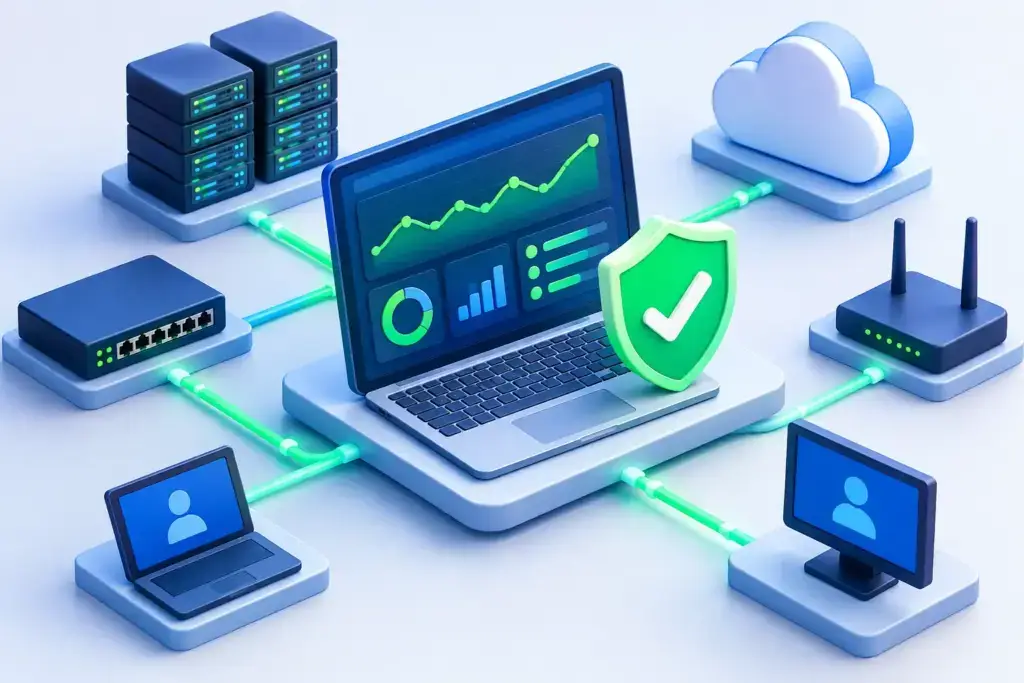
Network monitoring software continuously checks the health and performance of network-connected systems. Depending on the platform and configuration, that can include internet connections, firewalls, switches, wireless access points, servers, workstations, cloud services, VoIP systems, backup jobs, and critical business applications.
The software gathers signals such as device availability, bandwidth consumption, latency, packet loss, processor usage, disk capacity, and unusual traffic patterns. When a threshold is crossed or a device stops responding, the system generates an alert. That alert can go to an internal administrator, a managed IT provider, or a security operations team that can investigate and act.
That distinction matters. Monitoring is not the same as management. A dashboard full of red, yellow, and green indicators does not solve a problem by itself. The business value comes from having the right people, escalation process, and documented priorities behind the alert.
Why Businesses Outgrow Reactive IT Support
Many small and mid-sized businesses operate reactively for longer than they should. An employee reports that Wi-Fi is down. A manager notices that file access is slow. A client calls to say the phones are not working. Only then does someone begin troubleshooting.
That approach may feel manageable when a company has a small office and simple technology needs. It becomes expensive as systems become more connected. A poor internet connection can affect cloud applications, remote staff, payment processing, cameras, communications, and customer response times all at once. Without visibility, teams often spend hours identifying whether the problem is the internet provider, a firewall rule, a failing switch, an overloaded server, or an application issue.
Proactive monitoring shortens that path. It can reveal that a circuit has been intermittently dropping, a backup is failing, an access point is overloaded, or a server drive is nearing capacity. Instead of waiting for work to stop, the IT team can address the underlying issue during a planned window.
The result is not perfection. Hardware fails, providers experience outages, and software updates occasionally create problems. The goal is earlier awareness, faster diagnosis, and fewer disruptions that catch the business off guard.
The Business Outcomes That Matter Most
A useful monitoring program should connect to business priorities, not just technical metrics. For example, executives may not need a daily report on router processor utilization. They do need confidence that employees can work, customers can reach the company, protected data remains available, and critical systems have owners.
The strongest outcomes tend to fall into four areas:
- Higher productivity: Issues are identified before they affect an entire department, location, or remote workforce.
- Faster incident response: Support teams begin with useful context instead of starting from scratch after a user reports a problem.
- Better planning: Capacity trends show when internet bandwidth, Wi-Fi coverage, storage, or server resources need attention.
- Stronger accountability: Leaders can see recurring issues, response patterns, and whether technology investments are producing measurable improvements.
This visibility is especially valuable for businesses with multiple locations, remote employees, cloud applications, or limited internal IT resources. The more distributed the environment, the harder it is to rely on informal reports and manual spot checks.
Network Monitoring Software Is Not a Security Program
Monitoring can support cybersecurity, but it should not be mistaken for complete security coverage. A device being online does not mean it is secure. A firewall responding to a health check does not confirm that its policies are correctly configured. Likewise, an alert about unusual traffic may point to a security event, but it requires investigation and context.
A mature approach connects network monitoring with endpoint protection, patch management, vulnerability management, backup monitoring, identity controls, log review, incident response planning, and user awareness. Each layer answers a different question. Monitoring asks whether systems are available and behaving as expected. Security operations ask whether someone or something is trying to compromise those systems.
For organizations facing cyber insurance, regulatory, or contractual requirements, that distinction should be clear. Monitoring data can help demonstrate operational discipline, but compliance depends on documented controls, consistent execution, and evidence that those controls are reviewed.
What to Monitor First
Trying to monitor every possible metric on day one often creates alert fatigue. The better starting point is to identify the services that would cause a meaningful business interruption if they failed.
For most organizations, that includes the primary and backup internet connection, firewall, core switching, wireless infrastructure, key servers, cloud connectivity, VoIP, backup status, and the devices that support line-of-business applications. A manufacturing company may prioritize production systems. A professional services firm may focus on document access, Microsoft 365 availability, and remote access. A medical or financial organization may need deeper visibility because downtime and data access issues carry higher stakes.
The question is simple: if this system became unavailable at the busiest point of the day, who would be unable to work and what would it cost? Those answers should guide monitoring priorities and alert escalation rules.
Alert Quality Determines Whether Monitoring Helps
Too many alerts can be almost as damaging as too little visibility. When every brief latency spike creates an urgent notification, teams learn to ignore the system. When thresholds are too loose, they receive alerts only after users are already affected.
Good alerting is tuned to the environment and the business impact. A brief Wi-Fi fluctuation in an unused conference room may warrant a ticket, not an overnight page. A primary internet circuit failing at a customer service center deserves immediate attention. The same technical event can require a different response depending on the time, location, redundancy, and affected business function.
This is where named ownership matters. Every significant alert should have a defined path: who receives it, who investigates it, when leadership is notified, and how recurring issues are reviewed. Without that process, monitoring becomes another tool that everyone assumes someone else is watching.
Choosing the Right Monitoring Approach
There is no single best platform for every business. The right choice depends on the size and complexity of the environment, the systems being monitored, reporting needs, security requirements, and whether an internal team has time to manage it.
A business with a capable IT department may use monitoring software directly and build its own workflows. A company with a lean administrator or no dedicated IT staff may be better served by a managed service model, where monitoring is paired with active response, maintenance, security oversight, and strategic planning.
Cost should be evaluated beyond the subscription price. Consider the time required to configure devices, tune alerts, maintain documentation, investigate notifications, and keep the system current as the business changes. An inexpensive tool that produces ignored alerts is not a cost-saving decision. Neither is a sophisticated platform that no one has the capacity to operate.
For businesses in Las Vegas or Southern California with distributed teams, multiple sites, or growing compliance expectations, a monitoring review can also reveal where vendor sprawl is creating blind spots. Internet providers, phone vendors, cloud platforms, security tools, and internal systems all generate signals. A coordinated partner can turn those signals into a clearer operating picture rather than another set of disconnected portals.
Turn Visibility Into a Technology Roadmap
The most useful monitoring data does more than trigger tickets. Over time, it shows patterns. Perhaps bandwidth peaks every Monday morning, a server repeatedly runs low on storage, a particular location has recurring wireless issues, or backup failures happen after a specific application update. Those trends turn IT conversations from opinion-based debates into planned decisions.
That is the real value of network monitoring software: it gives the business time to act before small problems become expensive interruptions. When visibility is paired with clear ownership and a practical technology roadmap, IT becomes easier to manage, easier to budget, and far less likely to surprise the people counting on it.
