
When a server fails at 2:00 p.m. on a Tuesday, the question is not whether your files were backed up. The question is whether your team can actually work again before the day is lost. That is the standard a backup appliance review for SMB leaders should use: not storage capacity alone, but the ability to restore operations predictably under pressure.
For businesses with 10 to 450 employees, backup has become a business continuity decision. A failed file server, ransomware event, accidental Microsoft 365 deletion, or hardware outage can interrupt payroll, customer service, scheduling, production, and compliance obligations. The right appliance can reduce that exposure. The wrong one can create a false sense of security until the moment recovery is needed.
What a Backup Appliance Is Actually Meant to Do
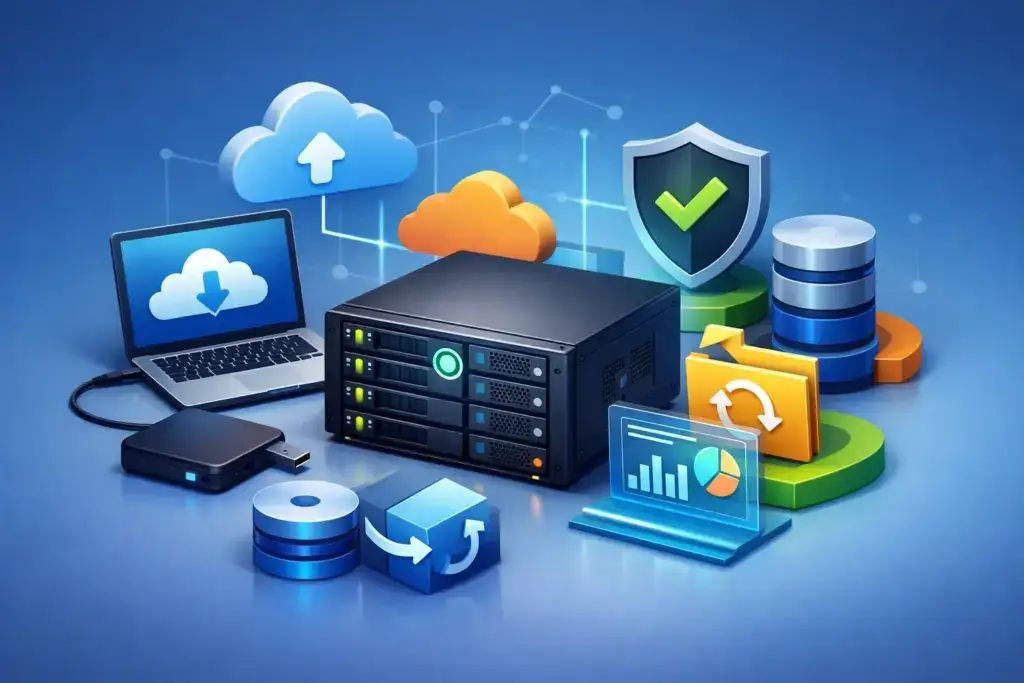
A backup appliance is a dedicated piece of hardware and software that captures copies of servers, workstations, virtual machines, and sometimes cloud data. It usually keeps a local backup on-site for fast restores, then replicates protected data to an off-site cloud repository or secondary location.
That local-plus-cloud model matters. A local copy can restore a deleted folder, database, or virtual server faster than pulling large volumes of data across the internet. An off-site copy protects the business when the office is inaccessible, the appliance is damaged, or ransomware reaches local systems.
The appliance itself is not the strategy. It is one component of a recovery plan that should define what data is protected, how often it is copied, who receives alerts, how long data is retained, and how quickly critical systems must return. A business that needs its accounting system running within four hours has different requirements than one that can tolerate a full day of disruption.
Backup Appliance Review for SMB: The Criteria That Matter
Most backup products can claim encryption, scheduling, deduplication, and cloud replication. Those features are table stakes. The better questions focus on recovery outcomes, security controls, and how much operational burden the system creates for your team.
Recovery speed is more valuable than raw capacity
Capacity is easy to compare because it appears on a quote. Recovery speed is harder to evaluate, but it is usually more important. Ask whether the appliance can restore individual files, entire servers, databases, and virtual machines, and ask how long each recovery type would realistically take.
Some systems can run a virtual machine directly from the backup appliance while the permanent environment is restored in the background. This capability can be valuable for a line-of-business application, domain controller, or file server that cannot remain unavailable for long. It may not be necessary for every workload, but it changes the recovery conversation from days to hours.
Be specific about your internet connection as well. Cloud recovery sounds reassuring until a multi-terabyte restore must travel over a limited connection. If your business relies on cloud recovery, validate the expected restore timeline using your actual bandwidth, not a best-case estimate.
Immutability should be a non-negotiable control
Ransomware operators do not only encrypt production data. They increasingly target backup repositories, management consoles, and administrator credentials. If an attacker can delete or encrypt every available backup copy, a backup appliance is simply another system at risk.
Look for immutable backups, meaning retained recovery points cannot be altered or deleted for a defined period. This should be paired with separate administrative credentials, multi-factor authentication, encryption, access logging, and protected off-site replication. The details vary by platform, but the goal is consistent: an attacker should not be able to erase your last known good copy using a compromised administrator account.
There is a trade-off. Stronger retention and immutability controls can increase storage costs and require more deliberate management. For most SMBs, that cost is far easier to justify than negotiating from a position of no recovery options.
Backup verification separates confidence from assumption
A green backup status does not always mean a server will restore cleanly. Backups can complete while applications are inconsistent, credentials are unavailable, or virtual machine images fail to boot.
A stronger solution verifies recoverability. Depending on the environment, this may include automated boot testing for virtual machines, screenshot verification, integrity checks, and scheduled test restores. Ask a prospective provider how failed verification is handled, who reviews alerts, and whether the process is documented.
This is where managed backup services often have an advantage over a do-it-yourself deployment. The appliance may be installed in your office, but someone still needs to monitor failures, investigate missed jobs, manage capacity, and confirm that recovery testing happens. Hardware without accountability is not managed continuity.
Support for your actual environment matters
An appliance should fit the systems that run your business, not force you into a partial backup plan. Review support for physical servers, VMware or Hyper-V environments, network-attached storage, endpoints, SQL or other databases, and cloud platforms such as Microsoft 365.
Microsoft 365 deserves special attention. Many organizations assume their Microsoft subscription provides complete backup and long-term recovery for mailboxes, OneDrive, SharePoint, and Teams data. Native retention tools are useful, but they are not a substitute for an independent backup policy designed around accidental deletion, retention requirements, and ransomware recovery.
Do not accept a broad statement that a platform is “supported.” Ask what can be restored, at what level of detail, and under what conditions. Restoring an entire mailbox is different from restoring a single email. Restoring a server image is different from bringing a business application back online with its database and permissions intact.
Local Appliance, Cloud Backup, or Both?
A cloud-only backup approach can be a reasonable fit for cloud-native companies with limited on-premises infrastructure and modest recovery requirements. It avoids buying and maintaining local hardware, and it can simplify protection for distributed users.
However, cloud-only backup can be slow when a large local server, virtual environment, or file repository must be restored quickly. It also places more weight on internet availability during an outage.
A local appliance with off-site replication is often the stronger choice for businesses that maintain on-premises servers, need fast recovery, or cannot tolerate long delays before employees can resume work. It provides two recovery paths: local speed for routine incidents and an external copy for major site or security events.
There are exceptions. A small office with no servers may not need an appliance at all. A company with several terabytes of active local data, a production database, and a firm recovery deadline likely should not depend on cloud-only restores. The right design follows the business impact of downtime, not a generic product recommendation.
Questions to Ask Before You Sign
Before selecting a platform or provider, require clear answers to these operational questions:
- Which systems, applications, and cloud services are included in the backup scope?
- What are our recovery time and recovery point objectives for each critical system?
- Are local, off-site, and immutable copies included, and how long are they retained?
- Who monitors failures and alerts after business hours?
- How often will restores be tested, and will we receive documented results?
- What happens if the office, appliance, internet connection, or primary server is unavailable?
These questions expose vague proposals quickly. A provider that cannot explain ownership, testing, retention, and recovery timelines is selling storage, not business continuity.
The Cost Conversation Should Include Downtime
Backup appliances are often evaluated as a hardware expense, which can lead buyers toward the lowest upfront price. That misses the bigger calculation. The relevant cost is the appliance, licensing, cloud storage, monitoring, replacement planning, and the financial impact of an extended outage.
Consider the people who would be unable to work, the revenue delayed, the customers affected, and the overtime required to rebuild systems manually. Add the potential impact on cyber insurance, contractual commitments, and regulatory obligations. A less expensive system that takes two days to recover can be far more costly than a managed solution that returns critical services in a few hours.
Transparency matters here. A good proposal should identify what is included, what grows with data volume, what is excluded, and when hardware will need to be refreshed. Surprise storage fees and unclear retention policies are avoidable problems.
Treat Recovery as a Business Capability
The best backup appliance is not necessarily the one with the largest capacity or the longest feature sheet. It is the one that supports a tested, owned, and documented recovery process for the systems your business cannot afford to lose.
For SMBs in Las Vegas and Southern California, that often means combining a properly sized local appliance, protected cloud replication, immutable retention, active monitoring, and routine recovery testing. Quantum Shield IT approaches backup and disaster recovery through that lens: technology should reduce uncertainty, not add another system your team has to worry about.
The practical next step is to identify the three systems that would hurt most if they were unavailable tomorrow, then test whether your current backup plan can restore each one within an acceptable timeframe. That answer will tell you more than any product brochure.
